Location and zones
Check location, route history, and safe-zone alerts.
Parental control for connected families
Install and review compatible functions on your child's Android with clear legal and technical expectations.
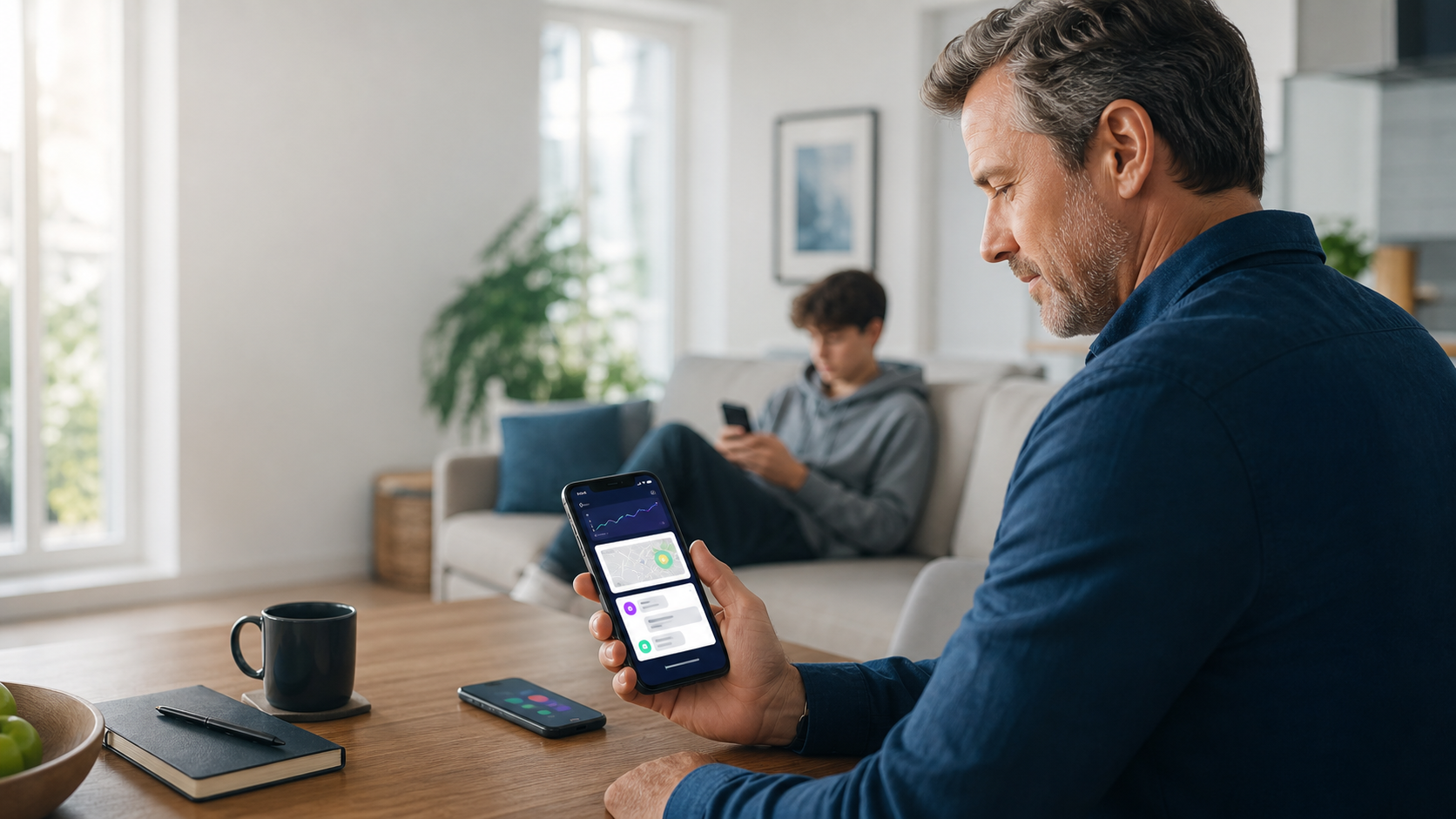
This website presents mSpy as a parental control tool. It should be used with consent where required, on devices you own or are legally responsible for, and in line with local privacy laws.
Legal use
mSpy is intended for parental control and other lawful uses. Before installing it, make sure you have the right to monitor the device and follow consent and privacy rules in your country.
Some links on this page are affiliate links. If you buy through them, we may earn a commission at no extra cost to you.
What to review
Check location, route history, and safe-zone alerts.
Review available SMS, chat, and contact information when setup allows it.
Spot risky websites and browsing habits worth discussing as a family.
Identify installed apps and block those outside your family rules.
Receive alerts for bullying, self-harm, harassment, or sensitive terms.
Centralize information in a protected parent account.
Demo
mSpy brings compatible device activity into an online dashboard: messages, location, calls, apps, web history, media and alerts.
Benefits
The dashboard provides step-by-step setup instructions for Android and iPhone.
Sync frequency depends on operating system, permissions and configuration.
Information is displayed in a private account. Keep your password secure.
mSpy offers chat, email and optional advanced setup support.
GPS, geofencing, keylogger, screenrecorder, social apps, calls, SMS, apps and web history.
Review plan coverage, renewal terms and device compatibility before buying.
Process
The Control Panel guides you through purchase, setup and review of compatible activity from one place.
Select the plan based on the device, the child's age, and the features you need.
Follow the official guide. Android usually requires physical access; iPhone depends on the available method.
Review alerts, location, and relevant activity without turning it into invasive surveillance.
Reviews
mSpy communicates an average rating around 4.4/5 based on thousands of reviews and links to external review platforms.
Used by families seeking more context about location and online activity.
Powerful dashboard, but setup requires following the instructions carefully.
Support matters for Android, iCloud, permissions and advanced functions.
Before buying
About
mSpy is a monitoring and parental control solution launched in 2010 for Android, iPhone and iPad devices under legal responsibility.
Software intended for legal use only. Check local laws and notify or obtain consent where required.
Before buying
The link goes to the official offer with affiliate tracking. Review price, features, and terms before subscribing.
FAQ
After payment is confirmed, you receive a welcome email with your Control Panel link and login credentials. Check both inbox and spam folders.
mSpy offers support by email and live chat. Optional paid phone support and mAssistance services may be available for setup help.
iOS can work through iCloud sync in some cases. You may need iCloud credentials and physical access if two-factor authentication is enabled.
Log in to the Control Panel and follow the setup wizard. Android normally requires physical access, and some premium features may require extra permissions or rooting.
Once setup is complete, compatible information appears in your online Control Panel, accessible from any browser.
iOS updates can depend on the latest backup. Android updates depend on the selected update interval and device configuration.
An individual plan usually covers one device. For multiple devices, check the family package.
Yes, device changes are possible under the provider's conditions if a phone is lost or replaced.
mSpy can send a notification if the app is removed, depending on operating system and configuration.